What is FetchPress?
An overview of how FetchPress works and what it can do for your WordPress deployment workflow.
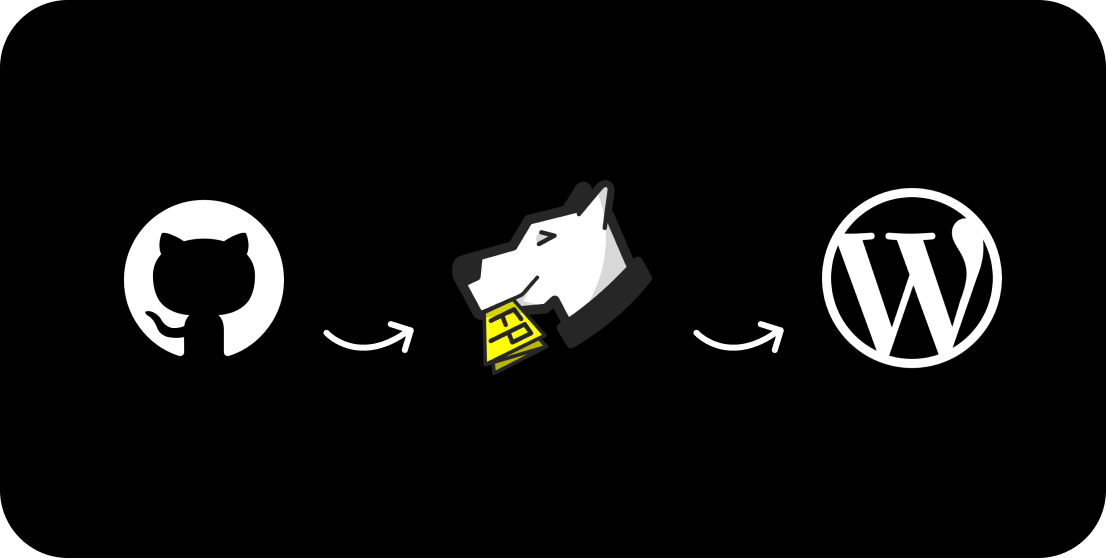
FetchPress is a WordPress plugin that connects your site directly to your git repository, automatically deploying theme and plugin code whenever you push a change or merge a pull request. No FTP. No manual uploads. Just push code and it appears on your site.
Every deployment is automatically logged, giving you a full history of what changed and when. If a deployment breaks something, you can roll back to any previous version in a single click — directly from the WordPress admin.
How It Works
FetchPress registers a webhook with your repository (GitHub, Bitbucket, or GitLab). When you push to a configured branch, the webhook triggers FetchPress to pull the latest code and install it on your WordPress site. You can also trigger deployments manually at any time from the admin panel.
Key Features
- Automatic deployment on every git push to a configured branch
- Supports GitHub, Bitbucket, and GitLab (including self-hosted GitLab)
- Deploy from a specific branch or subdirectory within a repo
- Full deployment history with version, status, and trigger tracking
- One-click rollback to any previous version
- Private repository support Licensed
- Tiered plans: Starter, Pro, and Agency
Free vs. Licensed
FetchPress is free to download and use. The free plan supports one theme and one plugin on public repositories. Upgrading to a paid plan unlocks private repositories, full deployment history, one-click rollback, and the ability to manage additional themes and plugins per site.
New in v1.3: Deployment history and one-click rollback are now available on all paid plans. History retention varies by tier — 7 days on Starter, 30 days on Pro, and unlimited on Agency.