Account Management
Manage your subscription, billing, and account credentials.
Reset Your Password
Navigate to the sign in page and click Reset Password.
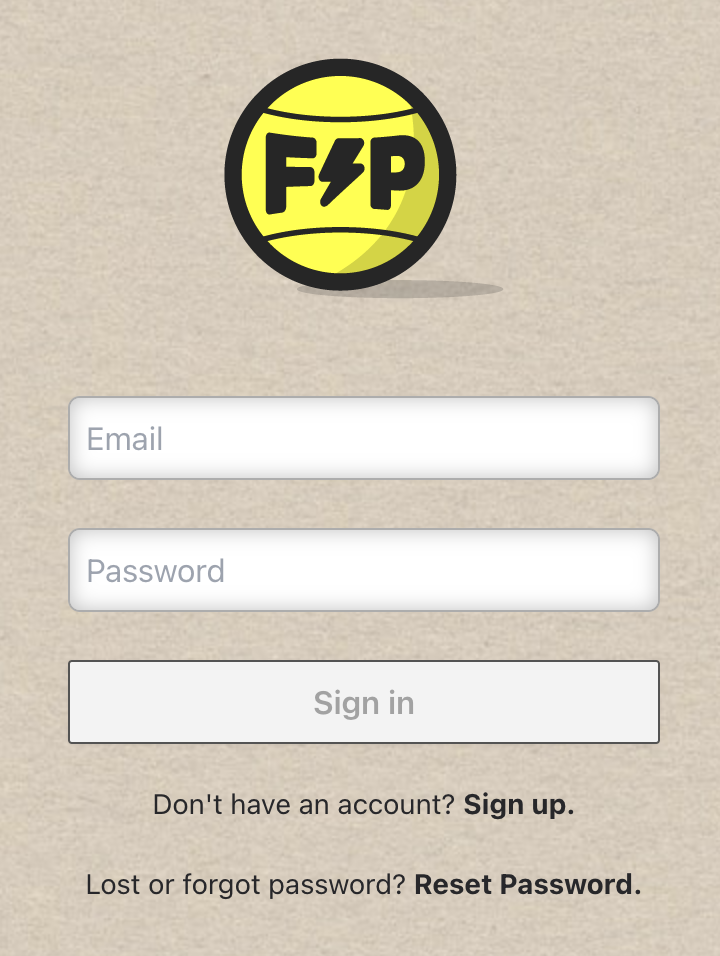
Enter the email address associated with your account and submit the form.
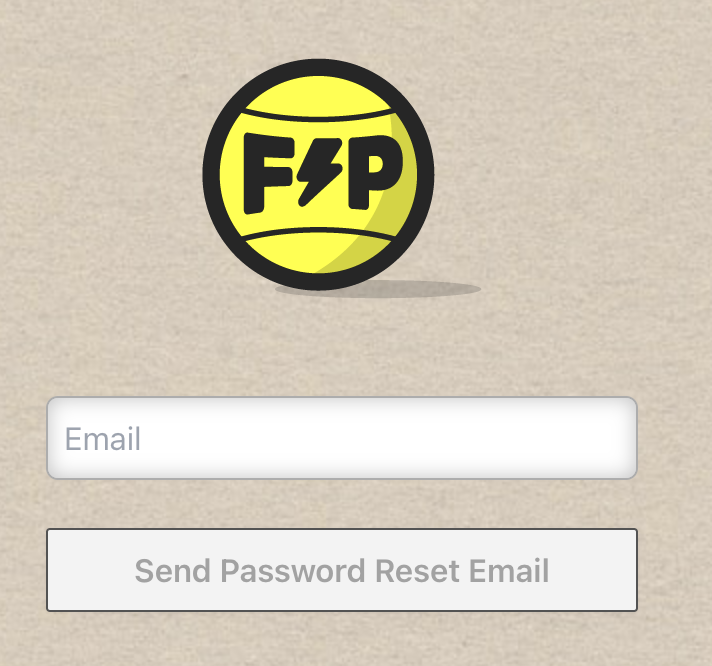
Check your inbox for a reset link. Follow the instructions in the email to set a new password.
Modify or Cancel a Subscription
Go to your account page and click Open customer portal.
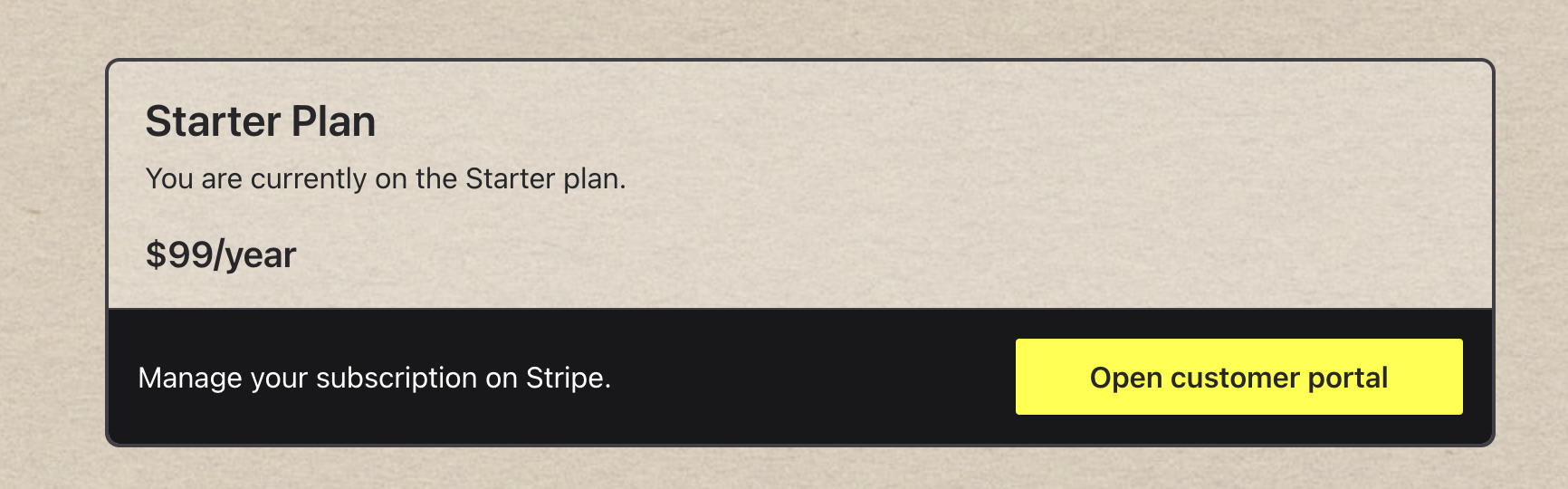
This opens the Stripe customer portal where you can upgrade, downgrade, or cancel your subscription, and update your billing information.
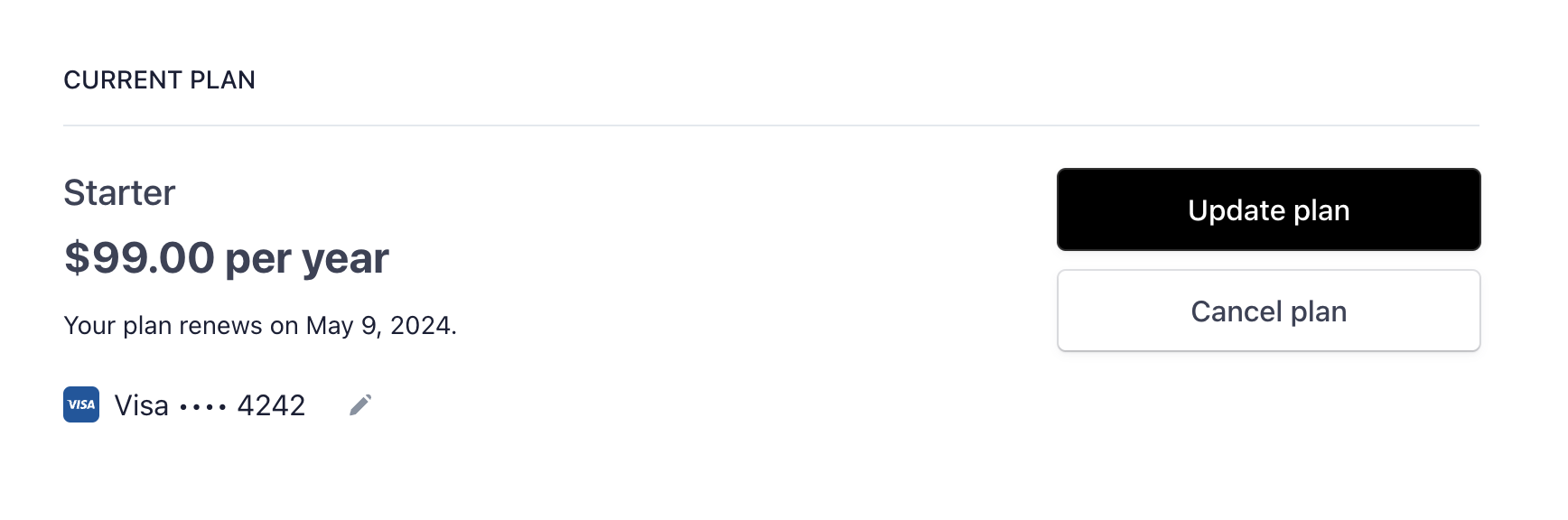
If you cancel your subscription, access to deployment history, rollback, and private repositories will be removed at the end of your current billing period.